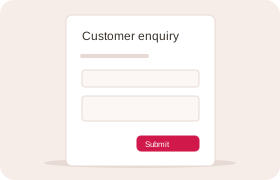
Forms that fit your business
Collect the information you actually need with forms built around your work. Use them for enquiries, inspections, incidents, orders or any other process.
Built around your business
From the first enquiry to the final invoice, keep your work connected.
We bring the tools you need into one system, then shape the forms and workflows around the way your business runs.
Give every piece of work a place, an owner and a clear next step.
Collect the information you actually need with forms built around your work. Use them for enquiries, inspections, incidents, orders or any other process.
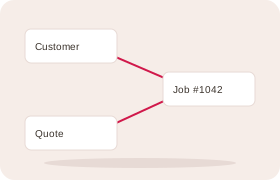
Keep customers, jobs, products and the records around them connected. Open a record and follow its links to the information behind it.
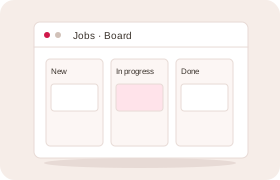
See your work in the way that makes sense: a list, a board of stages or a calendar. Move a job forward or change a booking without losing its history.
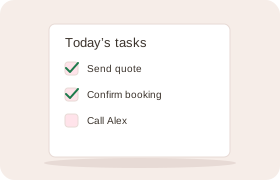
Give work to the right person, add a checklist and set a deadline. Reminders and overdue flags help your team see what needs attention.
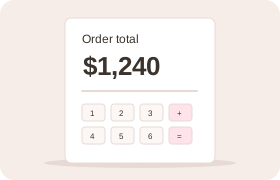
Work out line amounts, order totals and figures across connected records automatically. The same calculations apply whether a person, a form or an assistant adds the information.
Keep the conversation and the work it creates together.
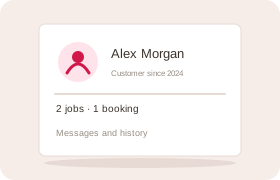
Bring contact details, bookings, messages and previous work into one customer history. Your team can pick up the conversation with the context already there.
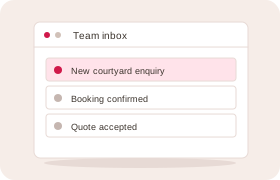
Turn incoming enquiries and requests into work your team can assign and follow through. Keep replies, internal notes and decisions together on the record.
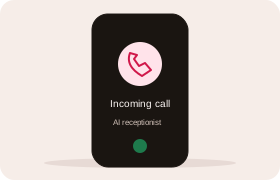
Answer routine calls, check availability and take bookings using your business’s information. Pass questions that need a person to your team, with a record of the call.
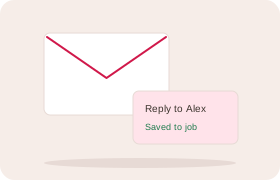
Send a reply from a record and keep the customer’s response in the same conversation. Saved replies help you answer common questions consistently.
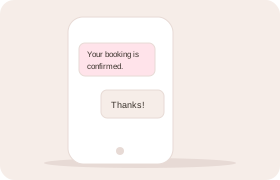
Send updates and reminders by text, and keep replies with the relevant customer or record. See delivery status and respect each customer’s messaging preferences.
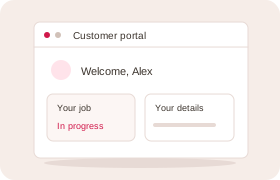
Give customers a place to see their records, follow progress, reply and update their details. Choose which information and services they can access.
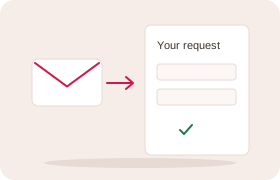
Send someone a personal link to provide information or complete a form. Track what has come back and remind people who still need to respond.
Coordinate customers, staff and resources around real availability.
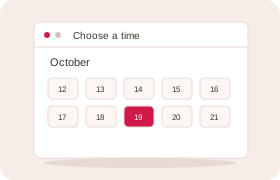
Let customers choose an available time and make a booking through a public form. Keep the booking connected to the customer and the work that follows.
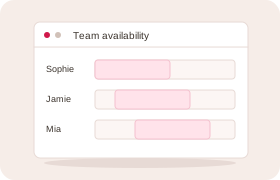
Plan around working hours, breaks, leave and the equipment or space a booking needs. Handle individual appointments, shared resources and classes with limited places.
Keep customers informed with booking confirmations and reminders. Personal links let them change or cancel a booking within your business’s rules.
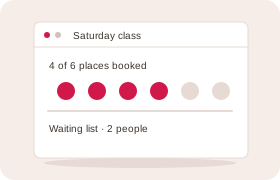
Keep track of who is booked and who is waiting for a place. Manage class capacity and follow up when a suitable place becomes available.
Follow the work from an agreed price through payment and fulfilment.
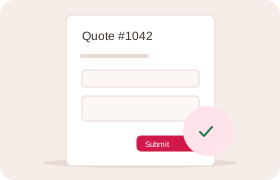
Prepare a clear quote with your products, services, quantities and prices. Send it for acceptance and keep a record of the exact offer the customer agreed to.
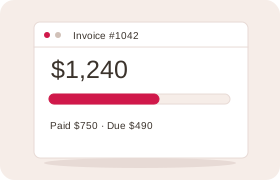
Turn an accepted quote into an invoice without entering the details again. See what has been paid, what is still owing and which invoices need follow-up.
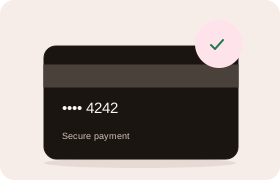
Collect a deposit or full payment through a secure payment link. Keep the verified payment connected to its booking, sale or invoice.
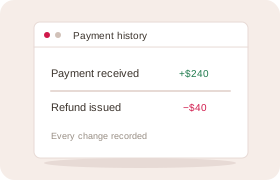
Keep corrections and money returned connected to the original transaction. Your team can see how a balance changed and what happened to each payment.
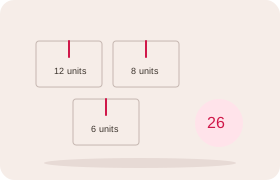
Track goods received, supplied, returned or adjusted, with a history behind every balance. See quantities by product and location, and identify stock running low.
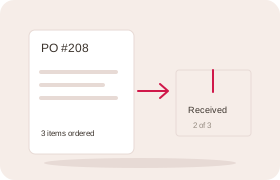
Prepare supplier orders and record deliveries as they arrive, including partial deliveries. See what has been received and what the supplier still needs to deliver.
Use assistance where it helps, with clear control over what happens next.
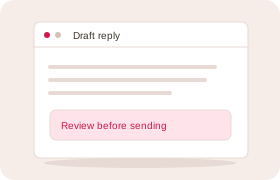
Prepare a reply using the customer’s enquiry and the conversation so far. Review it, make any changes and send it when you are ready.
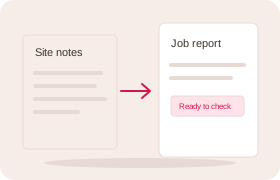
Start with rough notes and let AI fill in the relevant form fields. Check the proposed information before saving it as a job report, incident or other business record.
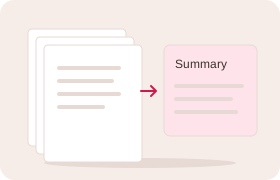
Catch up on a long conversation or a set of records without reading every entry. Follow links back to the source and see the questions that still need an answer.
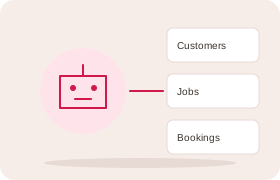
Connect a compatible AI assistant to your business. It can find information, prepare drafts and carry out supported actions within the access you give it.
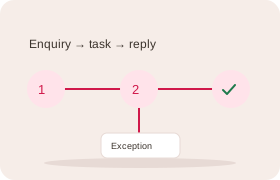
Start work when an enquiry arrives, a record changes or a scheduled time comes around. Automate routine steps and bring exceptions back to someone who can resolve them.
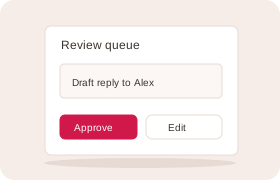
Keep proposed messages and changes in one review queue. Choose which actions need a person’s approval, then see what was approved and what actually happened.
Find the detail, share the knowledge and see how the business is doing.
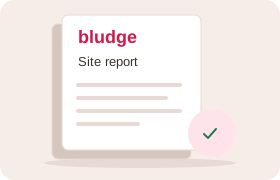
Create branded reports, letters and other documents using information already in the system. Keep the finished document with the record it belongs to.
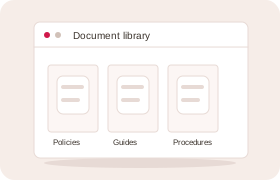
Keep policies, procedures and guidance in one place, with versions and review dates. Ask staff to confirm they have read an update and choose what customers can see.
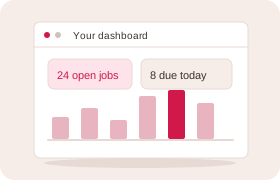
Bring important figures and outstanding work into a view that suits your role. Compare periods, track targets and receive reports by email.
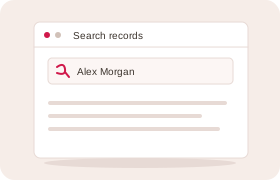
Search across the records you are allowed to see and save the filters you use often. Share useful views with a team so everyone can work from the same information.
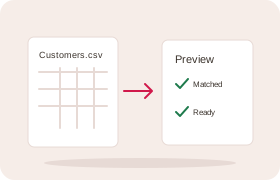
Import customers and records from spreadsheets, match the columns and check a preview. Move useful information into your new system without starting from an empty page.
Start with the right foundation and adapt it as your business changes.
Begin with forms, workflows and views suited to your industry, then tailor them to your business. Keep the flexibility to change how the work is organised.
Use your business’s colours and branding on public forms, emails and documents. Name customers, teams and records in the language your people already use.
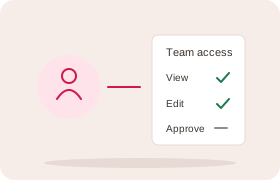
Choose who can see and change records, including sensitive fields. Staff, customers and connected assistants work within the access they have been given.
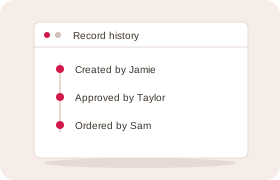
See who changed a record, when it changed and how it reached its current state. Work carried out through an assistant is attributed too.
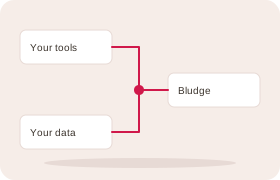
Connect supported services and exchange information through integrations and webhooks. Keep specialist tools alongside the workflows you run in Bludge.
Choosing your business software
Think about the work you want to improve, who will shape the system, and who will keep it working as your business changes.
| What matters to you | With Bludge | Ask when comparing |
|---|---|---|
| Fits the way you work | We tailor the forms and workflows with you. | Which plan supports the changes you need? |
| Help getting started | We set up the system around your business. | Who will set it up, move your data and show your team how to use it? |
| Help as your business changes | We provide hosting, support and the improvements agreed in your quote. | Who makes later changes, and how are they charged? |
| Use your own AI assistant | Connect a compatible assistant to your records and tools. | Which assistants can connect, and what can they do? |
| Clear costs as you grow | A quote for your business, with no fee per user. | What will extra staff, extra features and higher usage cost? |
Start with your business
Tell us where the work gets held up. We’ll help you choose the right starting point.