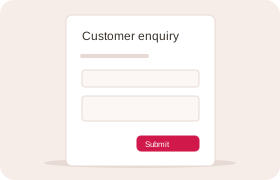
Forms that fit your business
Capture enquiries, inspections, orders and other work with forms built around your business.
Features
Custom software to make everyday work easier.
Custom operations software for small businesses: enquiries, bookings, quotes, payments, stock and the automation between them. We build forms and workflows around the way you work, then host and support them. Your team, your customers and your AI assistant work from the same records.
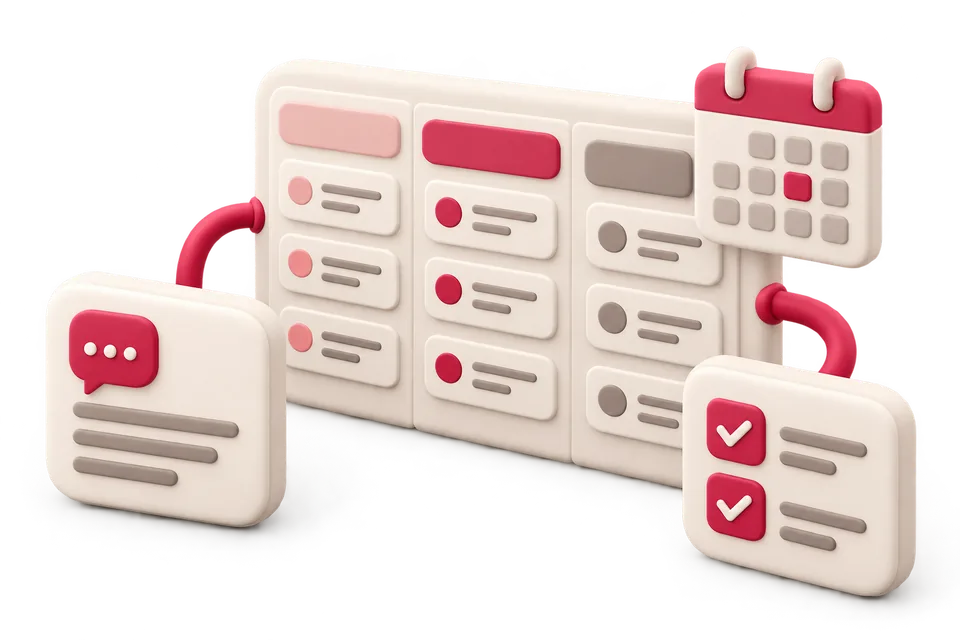
Give every piece of work a place, an owner and a clear next step.
Capture enquiries, inspections, orders and other work with forms built around your business.
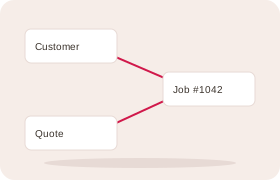
Link customers, jobs and products so you can follow the work and find its details.
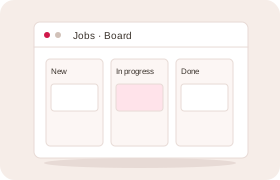
View work as a list, board or calendar. Move jobs and bookings without losing their history.
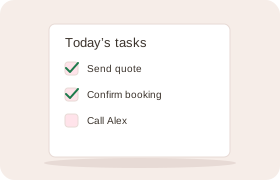
Assign work, add checklists and set deadlines. Reminders show your team what needs attention.
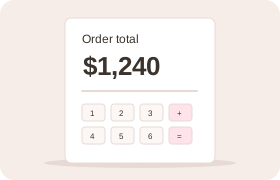
Calculate line amounts and totals across linked records, with the same rules for forms, staff and assistants.
Keep the conversation and the work it creates together.
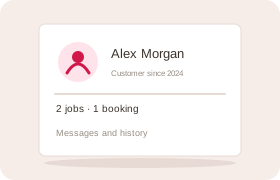
See a customer’s details, bookings, messages and past work together. Pick up the conversation with the context there.
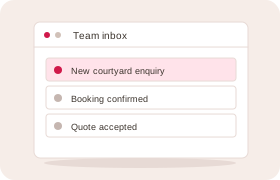
Assign enquiries and follow them through. Keep replies, notes and decisions with the work.

Answer routine calls, check availability and take bookings. Pass questions that need a person to your team, with a call record.
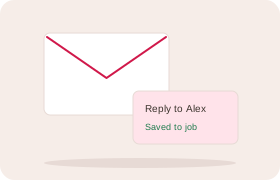
Send and receive replies on the record. Use saved replies for common questions.
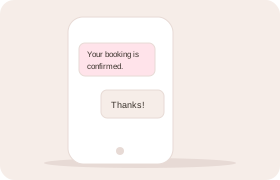
Send updates and reminders, track delivery and keep replies with the customer. Respect their messaging preferences.
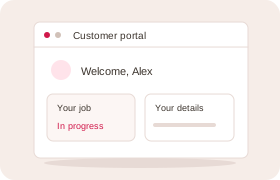
Let customers follow progress, reply and update their details. Choose which records and services they can access.
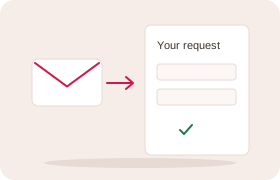
Send a personal link to complete a form. Track responses and remind people who still need to reply.
Coordinate customers, staff and resources around real availability.
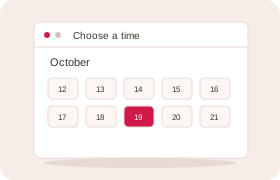
Let customers book an available time online, linked to their details and the work that follows.
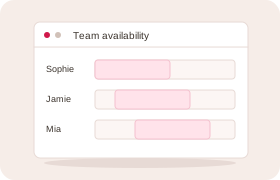
Plan around hours, leave, equipment and space. Manage appointments and classes with limited places.
Send booking updates and reminders. Let customers change or cancel through personal links, within your rules.
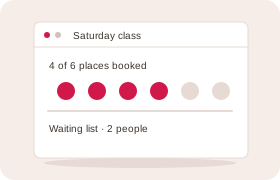
Manage places, track who is waiting and follow up when a suitable place opens.
Follow the sale from quote to payment and delivery.
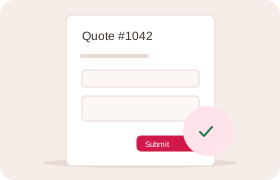
Prepare and send clear quotes. Keep the exact offer your customer accepted.
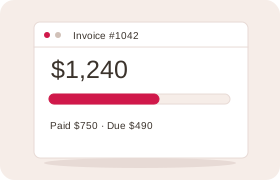
Turn accepted quotes into invoices. See payments, balances and invoices that need follow-up.
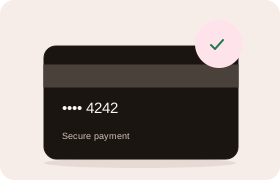
Collect deposits or full payments through secure links. Keep verified payments with the booking, sale or invoice.
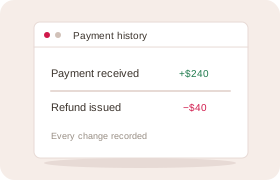
Link corrections and refunds to the original payment, with a history of each balance change.
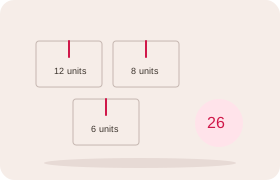
Track goods received, supplied, returned or adjusted by product and location. See the history behind each balance.
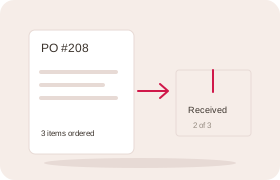
Order from suppliers and record full or partial deliveries. See what arrived and what is still due.
Save time on routine work. Keep control of changes.
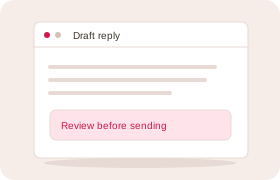
Use the enquiry and conversation to draft a reply. Review it before sending.
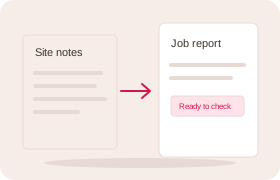
Turn rough notes into proposed form answers. Check them before saving a job report, incident or other record.
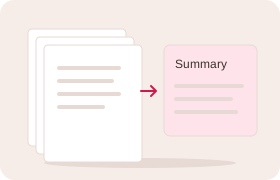
Summarise conversations and records, with links to the source and questions still to answer.
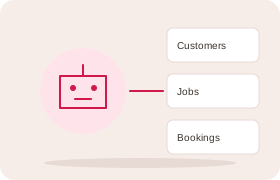
Find customer history, check work and draft updates in your AI chat. Review changes unless you have enabled supported direct actions.
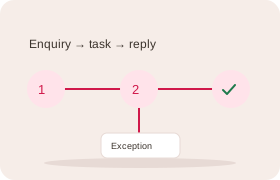
Start routine steps when records change or a set time arrives. Send exceptions to the right person.
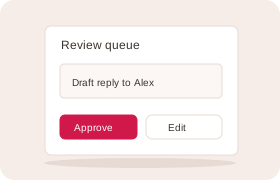
Review proposed messages and changes. Choose what needs approval and see what was carried out.
Find information, share knowledge and track progress.
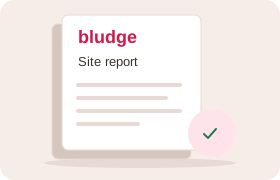
Create branded reports and letters from saved information. Keep each document with its record.
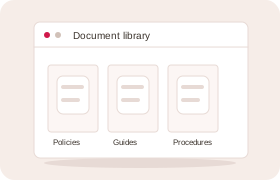
Store policies and guidance with versions and review dates. Choose who can read them and track staff acknowledgements.
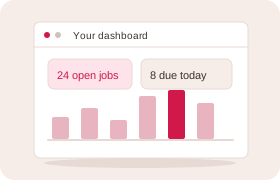
See figures and outstanding work for your role. Compare periods, track targets and receive scheduled reports.
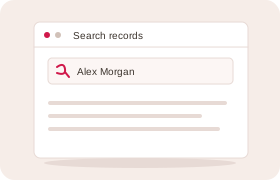
Search records you can access. Save useful filters and share views with your team.
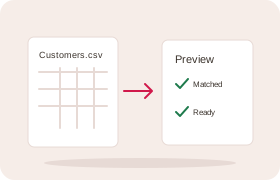
Import customers and records from spreadsheets. Match the columns and check a preview first.
Start with the right foundation and adapt it as your business changes.
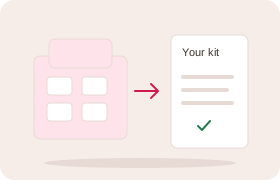
Start with forms and workflows for your industry, then tailor them as your business changes.
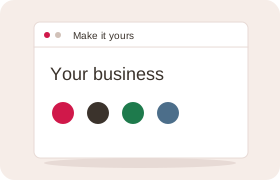
Use your colours on forms, emails and documents. Name records and teams in your own business language.
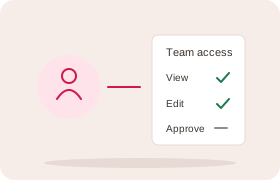
Choose who can see and change records and sensitive fields. The same limits apply to connected assistants.
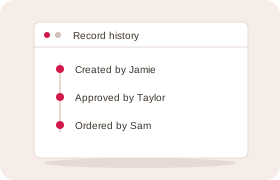
See who changed a record, when and how. Changes made through an assistant are attributed too.
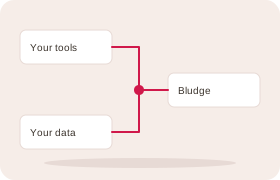
Use supported integrations and webhooks to connect specialist tools with your Bludge workflows.
Tell us about your business. We’ll help you turn what you know into a plan and the tools to act on it.