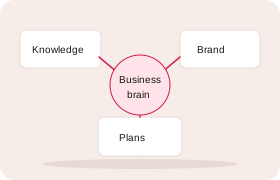
Your business knowledge, together
Keep your offer, customers, brand, processes and priorities together. Give your team and AI tools the context behind the work.
Features
Shared knowledge for your team, your plans and your AI tools.
A shared business brain for small businesses: your offer, customers, brand, processes and priorities in one place. Operations, Strategy & growth and your AI assistant all draw on it. Connect ChatGPT, Claude, Grok, Meta AI, Gemini, Microsoft Copilot Studio agents or another compatible assistant through Bludge’s MCP connector.
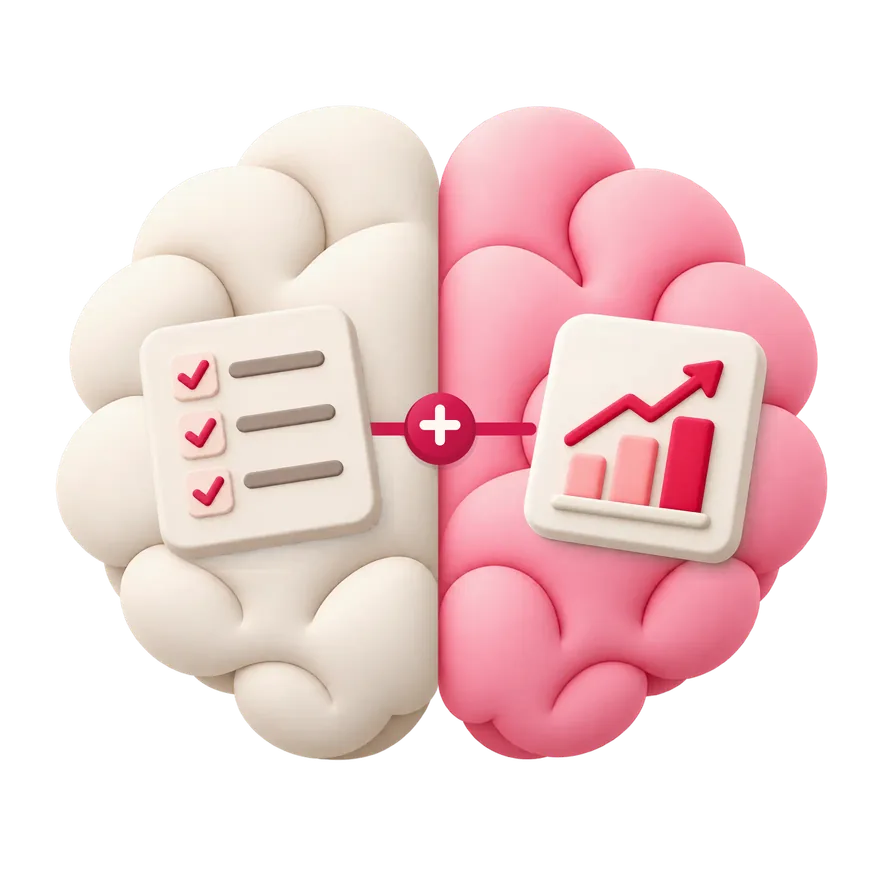
Shared knowledge for Operations, Strategy & growth and your connected AI tools.
Keep your offer, customers, brand, processes and priorities together. Give your team and AI tools the context behind the work.
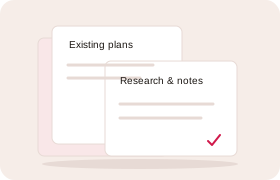
Bring existing plans, research, notes and brand material. Keep what is useful and fill the gaps together.
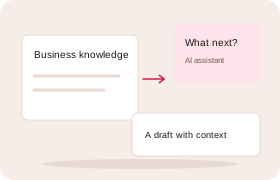
Use saved knowledge to draft replies, develop ideas and plan your next steps with your assistant. Keep agreed knowledge and outputs in Bludge.
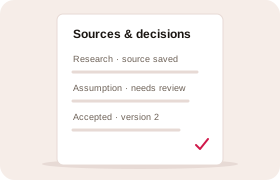
Separate agreed facts from assumptions and drafts. Keep sources and a history of changes. Review updates before replacing accepted knowledge.
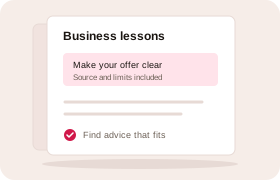
Draw on lessons from selected business and marketing sources in your AI chat. See the sources, practical limits and whether a person has reviewed the advice.
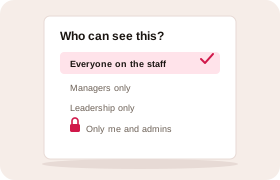
Share agreed knowledge with your whole team. Keep sensitive facts to managers or leadership, and keep meeting notes to yourself and your admins.
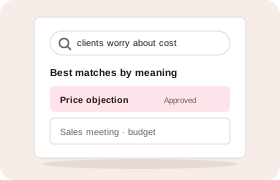
Search your knowledge, meeting summaries and documents even when you use different words. Your assistant finds the same things, within your access. For Australian businesses, Google processes this in Sydney.
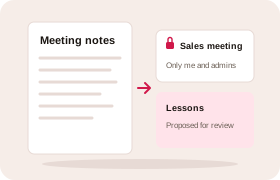
Paste your notes or a transcript into your AI chat. Your assistant asks first, saves the meeting privately and suggests lessons for your team to review.
Ask a question in chat or give an agent a job. Work with the same business knowledge and the access you choose.
Ask questions, find records and work through ideas with your business knowledge at hand.
“Which enquiries need my attention?”
Give it a job with several steps or a regular task. Your agent handles scheduling and uses the Bludge access you allow.
“Every Monday morning, send me a report on last week’s sales.”
Your chosen businesses, permissions and review rules apply to both chat and agent work. Each app or agent has its own setup.
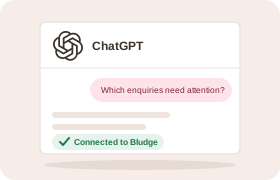
ChatGPT helps you ask questions and work through ideas. Dots are OpenAI’s agents for ongoing work. Use a compatible Bludge connection to bring your business knowledge into either experience.
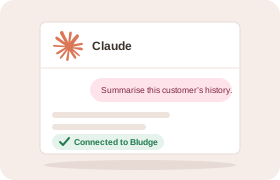
Work with Claude in chat or Claude Desktop. Duet is Anthropic’s agent for ongoing work and uses your Claude connectors. Your Bludge access and review rules still apply.
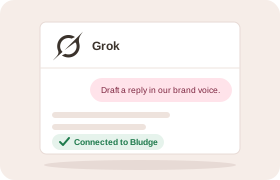
Grok is xAI’s chat assistant. Grok Bot is its agent for jobs with several steps. Use a compatible connector in the app you work in; each has its own setup.
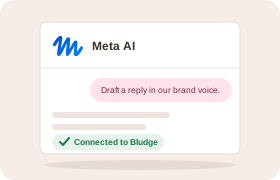
Meta AI is Meta’s chat assistant. Muse is its agent for ongoing work. They have separate connector programmes and setup paths.
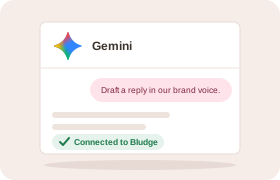
Use Gemini for chat or Spark for agent tasks. A compatible custom app lets it work with your business knowledge and tools. Your Bludge permissions still apply.
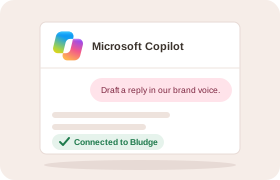
Connect a Copilot Studio agent to use your business knowledge and tools. Microsoft 365 Copilot chat has a separate administrator setup. The Bludge guide covers Studio agents.
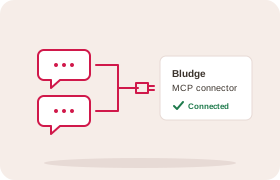
Use another assistant that supports MCP connectors. It connects through the same Bludge MCP connector.
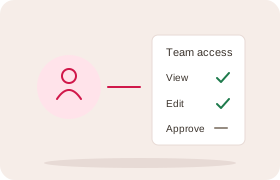
Your assistant can use the records, documents, strategy and brand you can access. The same role and team limits apply.
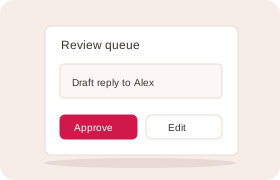
Ask it to find records, summarise history and make the changes you ask for, within your Bludge permissions. Ask for a draft when you want a person to review first. It never acts on its own.
You choose who can see records and sensitive fields. Connected assistants follow the same access rules. More about access and control
Bring the documents, plans and know-how your team relies on. We’ll set up one place for them that your people and your AI tools share.